AI Image Editor — Fast, Precise Photo Editing
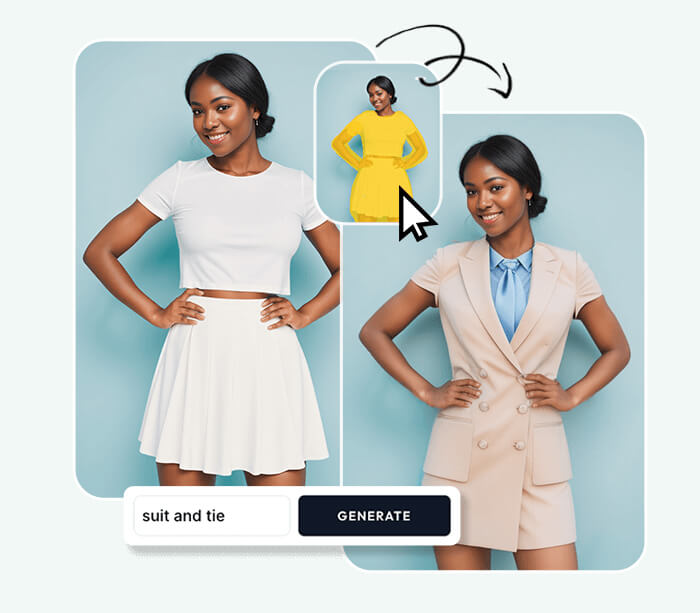
AI Image Editor lets you upload photos, describe edits, and receive polished results in seconds. AI Image Editor is ideal for quick retouching, background replacement and production-ready edits.



Feedback
AI Tools
Explore AI tools

AI Image Editor Examples
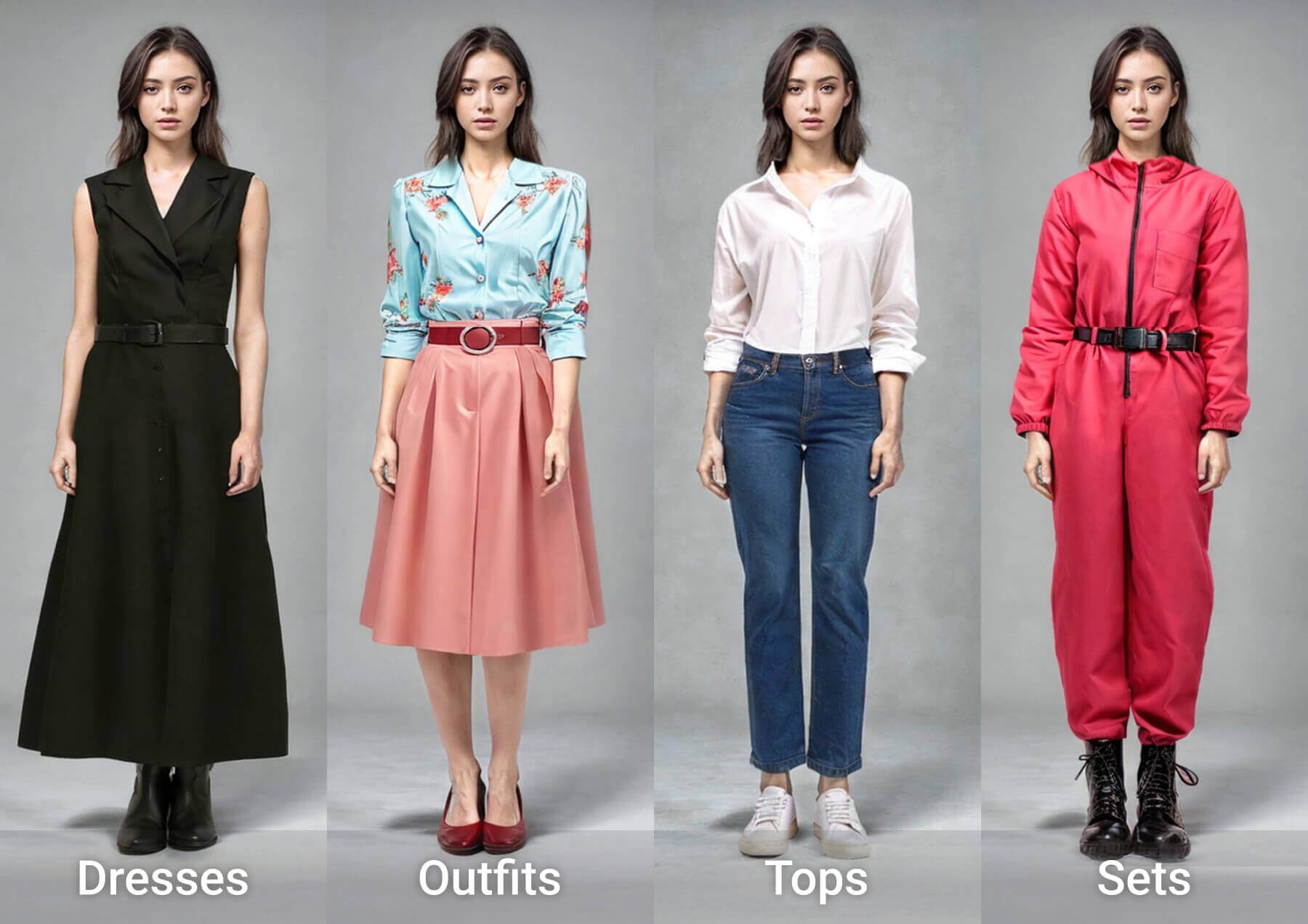
See what our AI Image Editor can do. Remove backgrounds, change styles, enhance photos instantly.


What is AI Image Editor?
AI Image Editor is an online tool for rapid photo edits—background removal, style transfer, retouching and fast enhancements with minimal effort.
- Easy for EveryoneDescribe edits in plain language—no design skills required to use AI Image Editor.
- Fast ResultsGet quick previews and refine edits in minutes with AI Image Editor.
- Flexible ExportDownload high-quality images ready for web or print after editing.
Why Choose Our AI Image Editor?
Our AI Image Editor is beginner-friendly and pro-ready, offering multiple AI models, one-click prompts and an all-in-one workflow.

How to Use AI Image Editor
Edit photos in three quick steps with AI Image Editor: upload, describe changes, preview and download polished results.
AI Image Editor Features
Comprehensive editing tools in AI Image Editor: background removal, style transfer, retouching, color grading and fast enhancements.
Background Removal
Quickly remove or replace backgrounds with natural fill results using AI Image Editor.
Style Transfer
Apply creative styles and looks while preserving composition with AI Image Editor.
Color & Tone
Adjust color, exposure and contrast with simple prompts.
Object Removal
Erase unwanted elements and reconstruct backgrounds realistically.
Enhancement
Improve sharpness, reduce noise and expand dynamic range for higher-quality output using AI Image Editor.
Iterative Edits
Regenerate variations and refine prompts until the result is right.
AI Image Editor — Frequently Asked
Answers about capabilities, supported formats, speed and privacy for AI Image Editor.
What does AI Image Editor do?
AI Image Editor performs background removal, style transfer, retouching and other photo edits automatically.
Do I need skills?
No—describe the change in plain language and the editor will apply it.
Is it free?
Basic editing is free; premium options may unlock higher-resolution exports and advanced features in AI Image Editor.
Which formats are supported?
Upload JPG/PNG; download in high-quality formats suitable for web or print.
Can I refine results?
Yes—regenerate and tweak prompts to achieve the desired output.
Is my data private?
Images are processed securely; review site policies for retention and usage details for AI Image Editor.
Start Editing with AI Image Editor
Upload a photo, describe the edit, and get a polished image in seconds—AI Image Editor makes advanced edits fast and simple.